Wise Data Recovery Review 2026: Benefits and Limitations
Wise Data Recovery is quick with recently deleted files, though it feels thin once the problem involves formatting, corruption, lost partitions, or camera media. Its 2 GB free allowance is appealing, but our recommendation is Disk Drill.
Wise Data Recovery is fine for a recently deleted document on a healthy Windows drive. It becomes a shakier choice for RAW media, damaged file systems, lost partitions, or fragmented camera footage. Download Disk Drill instead if the missing data matters or the storage device is acting strangely.
Wise Data Recovery lacks a built-in byte-for-byte imaging workflow, so it is a poor first choice for unstable media that may deteriorate during repeated scans.
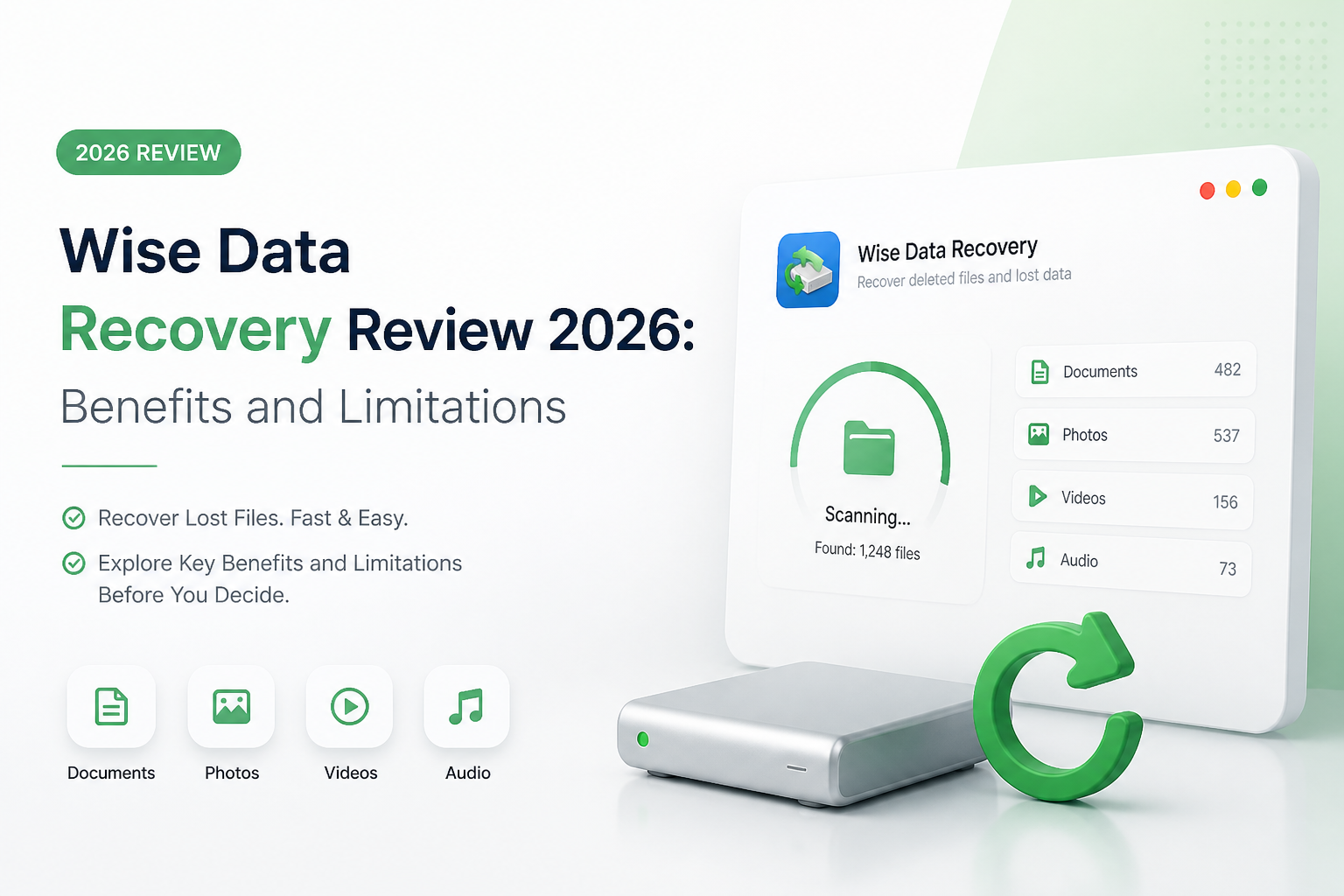
Wise Data Recovery at a Glance
5.4/10Wise Data Recovery is a Windows utility for restoring deleted files from internal disks, USB drives, plus memory cards. It focuses on a simple scan-and-recover workflow rather than a broad repair or forensic toolkit.
Best forWindows users restoring a small batch of recently deleted files from a healthy drive
- Quick plus deep file scanning
- 2 GB cumulative free recovery
- File-condition indicators
- Search, filters, plus previews
- Portable Windows edition
- Generous free recovery cap
- Simple interface
- Fast basic scans
- Limited damaged-media safeguards
- Windows-only core app
- Annual Pro licensing only
How We Evaluated Wise Data Recovery for Common File-Loss Cases
We judged Wise Data Recovery using scenarios that ordinary home users encounter: recent deletion from NTFS storage, emptied Recycle Bin files, formatted removable media, missing folder records, plus a memory card with mixed photo or video files. We also reviewed scan navigation, preview usefulness, recovery-location warnings, free limits, current license terms, plus the tools available for unstable disks.
The score favors recoverable file quality over the raw number of results. A scanner can list thousands of fragments yet still be unhelpful if names, folders, previews, or playable media are missing.
When Wise Data Recovery Is the Wrong Tool for the Job
Avoid starting with Wise if the drive clicks, disconnects, reports severe read errors, or vanishes from Disk Management. Those symptoms can point to physical trouble, where repeated software scans may reduce the chance of a successful lab recovery.
Wise is also a weak match for fragmented camera video, lost Mac partitions, complex RAID storage, or cases where a sector-level image should be created before scanning. Disk Drill covers more of those logical-recovery needs, though physically damaged media still belongs with a qualified recovery service.
How Wise Data Recovery Scored Across Five Recovery Criteria
| Category | Performance | Score |
|---|---|---|
| 01 Recovery Capability | 5.1/10 | |
| 02 Scan Workflow | 7.6/10 | |
| 03 Damaged Media Tools | 3.4/10 | |
| 04 Platform Coverage | 3.9/10 | |
| 05 Cost and Licensing | 6.9/10 |
Wise Data Recovery Benefits and Limitations in Detail
01 Recovery Capability
Good at basic deletion, less convincing beyond it
5.1/10
Recovery Capability
Good at basic deletion, less convincing beyond it
Wise Data Recovery worked best in the least complicated scenario: files deleted from a healthy Windows volume before much new data had been written. Its status indicators, filters, plus previews helped narrow a long result list without much fuss.
The experience became less dependable once file-system metadata was missing. Deep scanning produced files with less useful naming or folder context, while complex cases offered fewer recovery paths than Disk Drill. That gap matters when the drive is formatted, RAW, partially corrupted, or no longer mounting normally.
- Quick results for recently deleted files
- File-condition labels offer a useful first check
- Filters reduce time spent browsing scan results
- Common documents, photos, videos are covered
- Weaker fit for formatted or corrupted storage
- Original folder structure may be incomplete
- No specialized fragmented-video recovery mode
02 Scan Workflow
Simple enough for a first recovery attempt
7.6/10
Scan Workflow
Simple enough for a first recovery attempt
The interface gets to the point. Choose a disk, start scanning, filter the findings, preview a file, then recover it somewhere safe. There are few settings to derail a nervous user, which is genuinely helpful during a stressful file-loss incident.
That simplicity has a downside. Wise gives you fewer ways to adapt the job when the initial scan falls short. Disk Drill offers a more useful progression from universal scans to disk images, lost-partition work, plus camera-focused recovery.
- Clean drive-selection screen
- Low learning curve
- Search plus file-type filters are easy to find
- Portable version is available
- Few controls for difficult recovery cases
- Limited diagnostic context for unusual disks
03 Damaged Media Tools
Missing safeguards for risky storage devices
3.4/10
Damaged Media Tools
Missing safeguards for risky storage devices
A recovery app should avoid putting extra strain on suspect media. Wise Data Recovery does not provide the same integrated byte-to-byte backup workflow found in Disk Drill, leaving fewer safe options when a hard drive disconnects, clicks, slows down, or reports read errors.
Scanning a failing device repeatedly can make a bad situation worse. Neither program replaces a professional lab, though Disk Drill at least lets a user create an image first, then scan the copy rather than keep working from the original disk.
- Can scan common removable storage
- Straightforward device list
- Useful for healthy USB drives with simple deletion
- No integrated byte-for-byte disk imaging tool
- No S.M.A.R.T. monitoring workflow
- Poor choice for physically unstable media
04 Platform Coverage
The main app remains centered on Windows
3.9/10
Platform Coverage
The main app remains centered on Windows
Wise Data Recovery supports a long range of Windows releases, so it can run on older PCs that newer utilities may ignore. That is handy for a forgotten office desktop or a legacy machine kept offline.
The drawback is broader compatibility. Wise Data Recovery itself is a Windows utility. The Mac option promoted through WiseCleaner is a separate product arrangement. Disk Drill provides native Windows plus macOS editions under one personal license, with wider coverage for APFS, HFS+, ext-family volumes, ReFS, RAID layouts, plus unmountable partitions.
- Runs on modern Windows PCs
- Supports several older Windows releases
- Small installer footprint
- No native Wise Data Recovery edition for macOS
- Narrower file-system coverage than Disk Drill
- Not offered as a Linux desktop app
05 Cost and Licensing
A strong free allowance tied to annual Pro plans
6.9/10
Cost and Licensing
A strong free allowance tied to annual Pro plans
Wise has one clear advantage: its free edition can recover up to 2 GB. That is enough for hundreds of documents or a modest folder of photos. The limit is cumulative, so it is not a fresh 2 GB allowance for every scan.
Pro costs $39.97 per year for one PC or $49.99 per year for three PCs. Those prices are lower than Disk Drill, though Wise offers no lifetime license on its current plan table. Disk Drill costs $89 per year or $149 for a lifetime personal license covering Windows plus macOS on up to three activated devices.
- 2 GB of cumulative recovery at no charge
- No time limit on the free edition
- Three-PC Pro plan costs $49.99 per year
- Pro licenses expire after 12 months
- No current lifetime purchase option
- Low price comes with fewer advanced tools
Wise Data Recovery vs Disk Drill: Head-to-Head Recovery Comparison
We compared both utilities across ordinary deletion, formatted removable media, damaged file systems, camera storage, licensing, plus safety tools. Wise wins on free recovery volume, while Disk Drill handles a much wider range of serious recovery jobs.
| Metric | Wise Data Recovery | Disk Drill |
|---|---|---|
| Basic deleted-file recovery | Fast, simple scans | Multiple scan methods plus recovery estimates |
| Free recovery allowance | 2 GB cumulative | 100 MB on Windows |
| Byte-to-byte disk imaging | Not included | Included in Basic |
| Camera media recovery | General photo or video scanning | Dedicated fragmented-media recovery |
| File-system breadth | Mainly Windows formats | NTFS, ReFS, APFS, HFS+, ext, BTRFS, RAID, more |
| Desktop platforms | Windows | Windows plus macOS |
| Pricing or license flexibility | $39.97 yearly, one PC | $89 yearly or $149 lifetime, up to three devices |
| Overall score | 5.4 / 10 | 8.8 / 10 |
Use Disk Drill Instead of Wise Data Recovery
Wise is acceptable for a small, recently deleted batch. Disk Drill is the better first scan when folder structure, camera footage, a formatted volume, or an unstable device raises the stakes.
01 Disk Drill
A safer pick for complex file-loss situations
8.8/10
Disk Drill
A safer pick for complex file-loss situations
Disk Drill is the more complete option for deleted files, formatted drives, lost partitions, RAW media, plus memory cards from cameras or drones. It combines file recovery with byte-to-byte imaging, recovery-chance estimates, disk-health tools, plus a dedicated mode for fragmented camera footage.
The free Windows allowance is only 100 MB, far below Wise's 2 GB. Still, Disk Drill lets you scan plus preview results before paying. PRO is $89 per year, while the $149 lifetime license includes future upgrades plus activation on as many as three personal devices.
- Stronger recovery paths for formatted or RAW storage
- Byte-to-byte backups can reduce work on failing media
- Native apps for Windows plus macOS
- Special recovery mode for camera cards
- Lifetime license option
- Free Windows recovery stops at 100 MB
- Costs more upfront than Wise
- Software cannot fix physical drive damage

Should You Use Wise Data Recovery in 2026?
Wise Data Recovery is worth a free attempt only when the drive is healthy, the deletion was recent, plus the missing data fits inside its 2 GB allowance. It fell short in the areas that matter during harder recoveries, especially disk imaging, camera-media reconstruction, file-system breadth, plus cross-platform access.
Skip Wise for formatted, RAW, unstable, or badly corrupted storage. Disk Drill is our preferred alternative because it supplies better recovery tools plus a safer image-first workflow.
Stop using the affected drive, create a byte-to-byte image if the device is unstable, then preview several important files before buying any recovery license.