Undelete 360 Data Recovery Software Review 2026: Still Worth Your Attention?
Undelete 360 can rescue a recently deleted file from a healthy Windows drive. Anything more complicated exposes an old recovery engine, thin support, plus paid upgrades that solve few real problems.
Undelete 360 is usable for simple, recent deletions on NTFS or FAT storage, yet it lacks the deeper recovery methods needed for formatted, RAW, damaged, or tricky camera media. Download Disk Drill instead if the missing files matter.
The biggest risk is trusting an incomplete scan, then assuming files are permanently gone when a stronger recovery engine may still locate them.
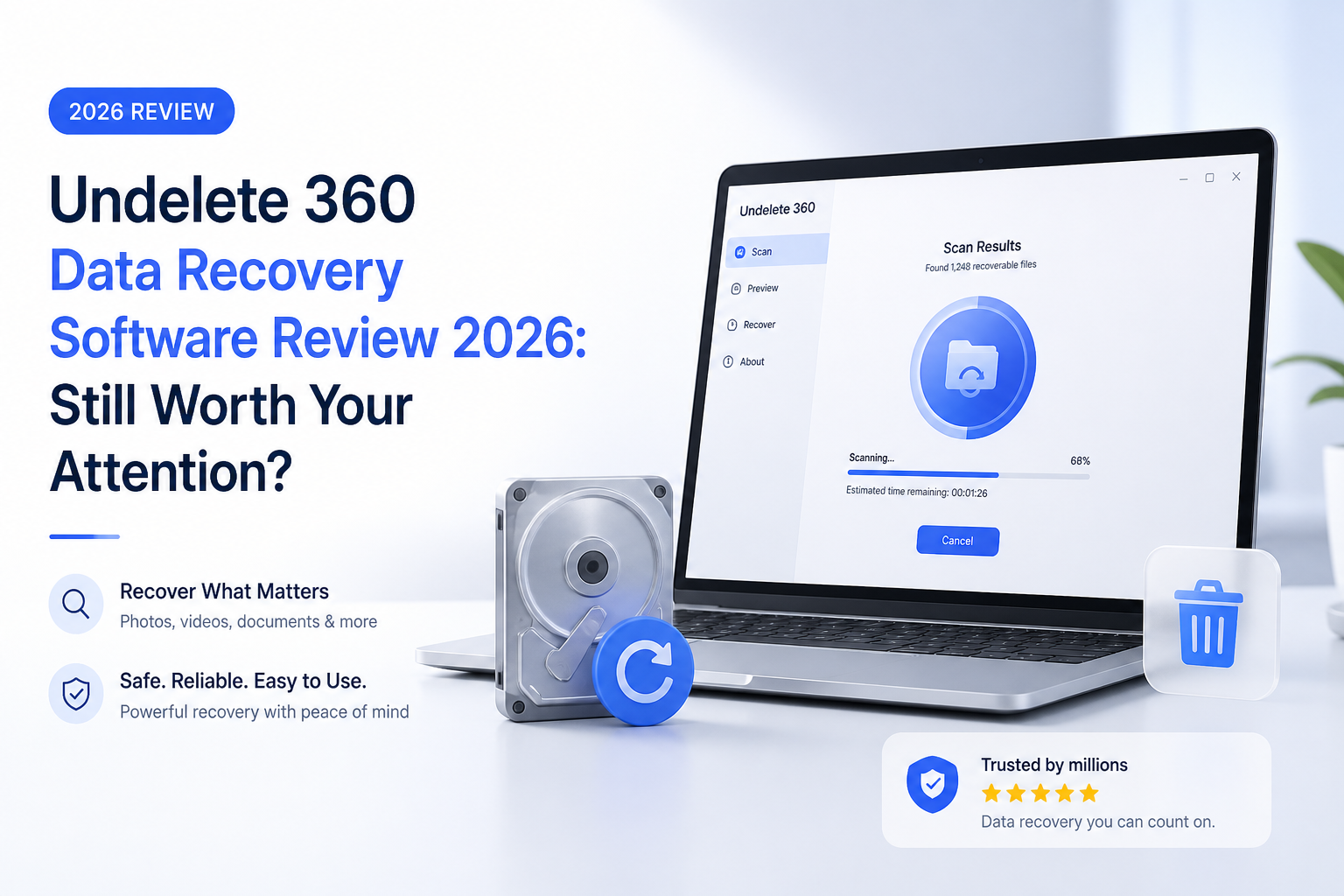
Undelete 360 at a Glance
4.2/10Undelete 360 is a compact Windows utility for restoring recently deleted files from NTFS or FAT storage. It is not a full recovery suite for formatted, RAW, or badly damaged media.
Best forA Windows user attempting a quick, no-cost recovery of files deleted moments ago from a healthy hard drive or USB stick
- Recently deleted-file search
- NTFS plus FAT support
- Recoverability status labels
- File-type result groups
- Paid preview plus secure-wipe tools
- No-cost basic recovery
- Tiny system footprint
- Straightforward first scan
- Weak advanced recovery
- Dated interface plus platform coverage
- Confusing Professional restriction
How We Evaluated Undelete 360 for This 2026 Review
We reviewed the current installer, public product documentation, supported file systems, scan controls, result handling, licensing terms, plus recovery behavior reported across controlled third-party tests. The comparison focused on recent NTFS deletion, FAT memory-card loss, formatted storage, RAW volumes, previews, imaging, plus platform support.
Recovery performance carried the most weight. A cheap utility does not earn a strong score if it misses recoverable files or lacks tools for checking a failing drive safely.
When Undelete 360 Is the Wrong Recovery Tool
Avoid Undelete 360 if Windows asks you to format the drive, the volume appears as RAW, a partition vanished, or the device makes unusual sounds. Those cases need better diagnostics, disk imaging, plus deeper file-system or signature scans.
Do not install recovery software onto the same drive that lost the files. Every new write can replace deleted data. For an SSD, TRIM may remove deleted content before any app can recover it.
How Undelete 360 Scored Across Our Recovery Criteria
| Category | Performance | Score |
|---|---|---|
| 01 Recovery Performance | 3.2/10 | |
| 02 Scan Tools | 3.5/10 | |
| 03 Ease of Use | 6.8/10 | |
| 04 Device Coverage | 3.9/10 | |
| 05 Cost & Licensing | 5.8/10 |
Undelete 360 Recovery Performance in Detail
01 Recovery Performance
Fine for fresh deletions, weak once the job gets messy
3.2/10
Recovery Performance
Fine for fresh deletions, weak once the job gets messy
Undelete 360 works best in the narrow situation its name suggests: a file was deleted recently from a healthy NTFS or FAT volume, then little or nothing was written afterward. Its file-status labels offer a quick clue about recoverability, though those estimates should not be treated as final.
The larger problem is what the program does not do well. There is no convincing deep-scan workflow for formatted partitions, RAW media, lost volumes, or files that need signature-based reconstruction. That leaves too many common recovery cases outside its useful range.
- Can restore some recently deleted files
- Preserves names when file-system records remain
- Shows a basic recoverability status
- Poor fit for formatted or RAW storage
- Recoverability labels can be misleading
- No strong reconstruction tools for damaged file systems
02 Scan Tools
A shallow toolkit built around basic undelete jobs
3.5/10
Scan Tools
A shallow toolkit built around basic undelete jobs
The scan process is easy to start, but it feels frozen in an earlier era of recovery software. Results do not build into a modern, flexible recovery session with multiple scan methods, lost-partition discovery, disk imaging, or a dedicated camera mode.
Filtering, folder organization, previews, hex information, plus Smart Recovery are tied to paid editions. Even after paying, the underlying recovery engine does not become substantially more capable.
- Simple drive-selection screen
- Results can be grouped by file type
- Paid tiers add filtering plus previews
- No disk-image creation workflow
- No credible lost-partition search
- Useful result-management tools sit behind payment
03 Ease of Use
Old-looking, though uncomplicated
6.8/10
Ease of Use
Old-looking, though uncomplicated
Undelete 360 deserves some credit here. Choose a drive, run a search, select files, then recover them to another device. The interface looks dated, but the basic path is understandable without a manual.
The rough edges appear after a scan. Large result sets become awkward in the free edition because previews, better filters, folder-based organization, plus extra metadata tools are restricted. A clean first screen does not make the full recovery process equally smooth.
- Small installation footprint
- Clear basic recovery sequence
- Runs on modest Windows hardware
- File-type grouping reduces some clutter
- Interface feels several Windows generations old
- Free result browsing becomes tedious on large drives
04 Device Coverage
Windows storage only, with major gaps
3.9/10
Device Coverage
Windows storage only, with major gaps
Undelete 360 lists hard drives, USB sticks, memory cards, cameras, plus floppy disks among its possible sources. Its practical file-system coverage centers on NTFS, NTFS5, FAT12, FAT16, plus FAT32.
That is restrictive in 2026. There is no native macOS edition, no Linux edition, plus no dependable path for APFS, HFS+, ext-family volumes, modern RAID work, or many corrupted-volume cases. Disk Drill covers a much broader mix of current storage scenarios.
- Works with common Windows hard drives
- Can scan USB flash storage
- Supports older FAT media
- No macOS or Linux application
- Narrow file-system range
- Not suited to modern RAID or advanced camera recovery
05 Cost & Licensing
Free recovery is appealing, paid upgrades are hard to defend
5.8/10
Cost & Licensing
Free recovery is appealing, paid upgrades are hard to defend
The free edition is Undelete 360's strongest argument because it permits basic recovery without a stated total-data cap. Professional costs $39 one-time, while Ultimate costs $69 one-time. Each paid purchase includes one year of software upgrades.
The official purchase page describes a strange 10 MB limitation for Professional, using wording that makes the exact restriction difficult to interpret. Ultimate removes that concern, but paying more still does not add a stronger scan engine. Disk Drill costs more upfront, though the money buys broader scanning, disk images, current platform support, plus more useful recovery modes.
- Basic recovery costs $0
- Paid licenses use one-time pricing
- Thirty-day refund policy is listed
- Professional has confusing 10 MB language
- Paid features do not fix weak recovery performance
- Only one year of upgrades comes with Undelete 360 purchases
Undelete 360 vs Disk Drill — Head to Head
We compared both Windows tools across the recovery jobs people actually face, from simple deletion to damaged memory cards. Pricing reflects the public US rates available in September 2026.
| Metric | Undelete 360 | Disk Drill |
|---|---|---|
| Recent deleted-file recovery | Useful on healthy NTFS or FAT media | Strong scan flow with previews plus recovery estimates |
| Formatted or RAW media | Very limited | Deep scanning plus file-signature reconstruction |
| Disk-image scanning | Not included | Byte-to-byte backup creation plus scanning |
| Camera media recovery | Basic memory-card scanning | Dedicated Advanced Camera Recovery mode |
| Supported desktop platforms | Windows only | Windows plus macOS under one license |
| Free recovery allowance on Windows | Basic recovery with no stated total cap | Up to 100 MB |
| Pricing plus license choice | $39 Professional or $69 Ultimate, one-time | $89 yearly or $149 lifetime, up to 3 activations |
| Overall score | 4.2 / 10 | 8.8 / 10 |
What to Use Instead of Undelete 360
Choose Disk Drill if you need more than a quick undelete from a healthy Windows volume. It gives you better diagnostic previews, broader media support, plus recovery methods that remain useful after formatting or file-system damage.
01 Disk Drill
A broader recovery toolkit for current Windows plus macOS systems
8.8/10
Disk Drill
A broader recovery toolkit for current Windows plus macOS systems
Disk Drill is the better choice for most real recovery jobs. It handles recent deletion, formatted volumes, RAW drives, missing partitions, memory cards, plus many cases where the original file-system records are no longer enough.
Its byte-to-byte backup tool lets you image unstable storage before repeated scanning. Advanced Camera Recovery is another meaningful advantage for fragmented video from cameras or drones. The Windows Basic edition can recover up to 100 MB free, so use previews before buying.
- Multiple scan methods for simple or complex loss
- Byte-to-byte disk images reduce repeated stress on weak media
- Dedicated camera recovery mode
- One license covers Windows plus macOS
- Clear previews before paid recovery
- The 100 MB Windows free limit is small
- PRO costs more than Undelete 360
- No software can recover overwritten or TRIM-erased data

What Undelete 360 Users Report Online
A Tom's Hardware user said Undelete 360 marked large deleted files as overwritten, while another recovery utility found the original directories plus restored tested files.
A Softpedia test found that files rated Good or Very Good recovered successfully, though some results marked Overwritten failed to open.
Should You Use Undelete 360 in 2026?
Undelete 360 is not recommended as a primary recovery tool in 2026. It may suit a low-stakes attempt involving a freshly deleted file on healthy Windows storage, especially if spending nothing matters most. Skip it for formatted cards, RAW drives, lost partitions, damaged storage, camera video, or irreplaceable files. Disk Drill offers a far more complete first scan, so start there instead.
Stop using the affected drive, create an image if the hardware is unstable, then scan the image or drive with Disk Drill before paying for recovery.