Quetext AI Detector Review
Quetext wraps AI detection into a useful writing suite, though the detector itself feels less convincing than the surrounding plagiarism tools. Its limited free allowance makes the weaknesses harder to overlook.
Quetext AI Detector is easy to read, but difficult to trust as a decision tool. Results became less consistent once AI drafts were edited or mixed with human passages. Clever AI Detector is the better first check because it offers free 10,000-word scans, sentence-level signals, plus no required signup.
The largest risk is treating a confident-looking Quetext score as proof, especially with polished human work or edited AI text.
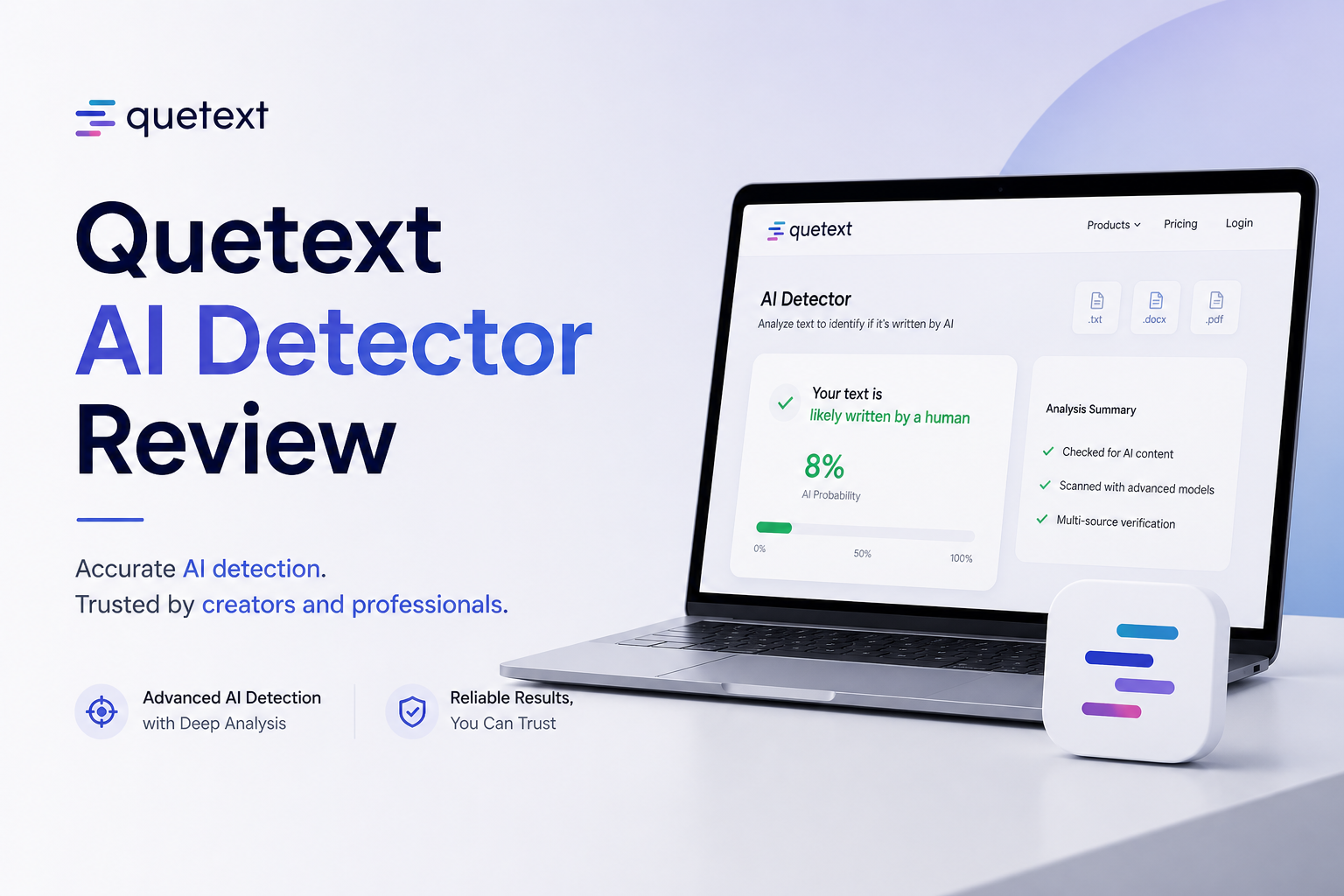
Quetext AI Detector at a Glance
5.4/10Quetext AI Detector is a browser tool that estimates whether text resembles output from ChatGPT, Claude, Gemini, Llama, or similar models. It sits inside a larger suite built around plagiarism checking plus writing assistance.
Best forExisting Quetext subscribers who need occasional AI screening beside plagiarism checks
- Document-level AI likelihood result
- ColorGrade sentence-level analysis
- Combined AI plus plagiarism workflow
- Chrome extension access
- API for higher-volume checking
- Readable sentence highlighting
- Quick browser workflow
- Strong collection of adjacent writing tools
- Results remain probabilistic
- Free monthly allowance is restrictive
- Weak value if detection is the only feature needed
Quetext AI Detector Accuracy, Reports, Limits, Plus Pricing in Detail
01 Detection Consistency
Straightforward samples worked better than realistic edited drafts
4.2/10
Detection Consistency
Straightforward samples worked better than realistic edited drafts
Quetext handled obvious, untouched chatbot prose reasonably well. The trouble started with less tidy material. Light edits, personal details, uneven sentence lengths, or passages combining human text with AI assistance produced results that were harder to interpret.
A detector should be most helpful in the gray area, not only on blatant examples. Quetext provides a confident-looking result, yet it offers too little independent evidence about why borderline text landed where it did. That makes the score unsuitable for disciplinary, hiring, or publication decisions.
- Recognizes conspicuously formulaic AI prose
- Checks the full document plus individual sentences
- Can surface passages worth reading again
- Borderline results can look more certain than they are
- Edited AI passages may produce uneven classifications
- Polished human prose remains vulnerable to false suspicion
02 Report Clarity
Color-coded passages are the strongest part of the product
7.2/10
Report Clarity
Color-coded passages are the strongest part of the product
Quetext does a decent job of turning a vague AI score into something readable. ColorGrade presentation plus sentence-level marking lets you inspect the text instead of staring at one percentage.
The report still needs more context. A highlighted sentence tells you where the model noticed a pattern, not whether AI wrote it. Explanations tied to rhythm, predictability, repeated structures, or other specific signals would make the report more useful during manual review.
- Sentence-level highlighting narrows the review area
- Color cues are quick to scan
- Document-level result is easy to locate
- Reports fit naturally beside plagiarism results
- Limited explanation of individual flags
- Visual certainty may encourage overconfidence
03 Checking Workflow
Simple for one document, busier once the wider suite appears
6.8/10
Checking Workflow
Simple for one document, busier once the wider suite appears
Pasting text plus starting a scan takes little effort. Quetext also puts plagiarism checking, citations, grammar help, paraphrasing, summarizing, plus humanizing tools in one account. That can suit a student who already uses Quetext for similarity checks.
The downside is focus. The AI detector sometimes feels like one feature inside a larger writing dashboard rather than a carefully separated review tool. Clever AI Detector has a cleaner path for someone who only wants to paste a long draft, inspect sentence signals, then leave.
- Fast paste-to-result flow
- No software installation needed
- Useful companion tools share one interface
- Extra tools can distract from the detection report
- No detector result can establish authorship
- Account prompts add friction for repeat use
04 Limits Plus Access
The free allowance is too small for repeated long-form checks
4.3/10
Limits Plus Access
The free allowance is too small for repeated long-form checks
Quetext offers free access, though its published free allowance is 1,000 words per month. That can disappear after one short essay or part of a report. Anyone comparing revisions may reach the limit before the document is finished.
Clever AI Detector is much less restrictive at the time of review. It supports 80 to 10,000 words per check, lists unlimited runs, plus does not require an account for the core result. Quetext makes more sense only if its broader writing suite is already part of your routine.
- A free scan is available
- Browser-based access works on common devices
- Chrome extension plus API options broaden the workflow
- 1,000 free words per month is restrictive
- Revision-by-revision checks quickly consume the allowance
- The free option compares poorly with Clever AI Detector
05 Cost for the Useful Tier
The subscription mainly pays for a bundle, not detector certainty
4.7/10
Cost for the Useful Tier
The subscription mainly pays for a bundle, not detector certainty
Quetext advertises paid access from $5.49 per month when billed annually, with a $9.99 monthly option. Those prices are not outrageous for plagiarism checking plus several writing utilities. They are difficult to justify if AI detection is your main need.
Clever AI Detector currently charges $0 for its overall probability, sentence signals, plus checks up to 10,000 words. Quetext has the broader toolbox, though Clever provides the more useful detector allowance without forcing another subscription.
- Annual entry price is fairly modest
- Subscription includes more than AI detection
- Monthly billing is available
- Free detector allowance is cramped
- Paid access does not remove the fundamental uncertainty
- Poor value for users who need detection only
How We Evaluated Quetext AI Detector in October 2026
We reviewed Quetext using several kinds of English text: plain human prose, untouched chatbot output, lightly edited AI copy, formal writing, plus mixed passages. We focused on whether the classifications stayed useful once the examples moved beyond obvious machine text.
Scoring also covered sentence feedback, scan friction, published limits, current pricing, plus the safeguards surrounding uncertain results. We treated every detector score as a screening signal, never proof of authorship.
When Quetext AI Detector Should Not Decide the Outcome
Do not use Quetext as the sole basis for accusing a student, rejecting a freelancer, disciplining an employee, or denying an application. Highly polished prose, templates, technical documents, plus writing by non-native speakers may contain patterns a detector associates with AI.
For serious reviews, look at document history, earlier drafts, citations, factual choices, plus the writer's ability to explain the work. A conversation usually provides more context than another percentage.
Quetext AI Detector: How It Scored Across Our Review Criteria
| Category | Performance | Score |
|---|---|---|
| 01 Detection Consistency | 4.2/10 | |
| 02 Report Clarity | 7.2/10 | |
| 03 Checking Workflow | 6.8/10 | |
| 04 Limits Plus Access | 4.3/10 | |
| 05 Cost for the Useful Tier | 4.7/10 |
Quetext AI Detector vs Clever AI Detector: Head-to-Head Results
We compared the tools on practical detector criteria, including report depth, scan limits, access friction, pricing, plus how responsibly each product frames uncertain results.
| Metric | Quetext AI Detector | Clever AI Detector |
|---|---|---|
| Sentence-Level Review | Color-coded sentence flags | Sentence signals plus document probability |
| Words per Free Check | Limited by a 1,000-word monthly allowance | Up to 10,000 words per check |
| Free Run Allowance | Monthly word cap | Unlimited runs currently listed |
| No-Signup Access | Free scan available without signup | Core checks require no signup |
| Language Support | Broader writing-suite positioning | English plus Spanish detection listed |
| Extra Writing Tools | Plagiarism, citations, grammar, summarizing, plus rewriting | Humanizer, paraphraser, grammar checker, plus history |
| Detector Pricing | $0 limited tier · from $5.49/mo billed annually | $0 · full sentence signals included |
| Overall Score | 5.4 / 10 | 9.1 / 10 |
What to Use Instead
Use Clever AI Detector if you need a quick screening result without burning through a tiny monthly allowance. It gives longer scans plus useful sentence context at no charge.
01 Clever AI Detector
A roomier free checker with clearer probability-based results
9.1/10
Clever AI Detector
A roomier free checker with clearer probability-based results
Clever AI Detector is the better choice for checking long English or Spanish drafts without paying. It accepts 80 to 10,000 words per check, shows an overall AI probability, then marks sentence-level signals so the reader can inspect what influenced the result.
The full detector currently costs $0, with no ads, required registration, or stated run cap. It also says plainly that its result is probability rather than proof. That wording matters because formal human writing, edited prose, plus non-native writing can confuse any detector.
- Up to 10,000 words in one check
- Full sentence-level results cost $0
- No signup required for basic use
- Unlimited runs currently listed
- Probability is framed as a clue, not proof
- Requires at least 80 words
- Language coverage is still limited
- Optional saved history requires an account

How Quetext AI Detector Results Land With Real Users
One teacher described Quetext as useful for plagiarism checks plus an extra AI signal, but said it should not support an accusation by itself.
A user reported liking Quetext's 500-word trial plus affordable pricing, describing the experience positively after switching detectors.
One comparison produced sharply conflicting results: Grammarly showed 75% AI, ZeroGPT showed under 4%, while Quetext showed 99%. The user found the gap alarming.
A screenwriter tested original work through Quetext plus received a 99.7% human result, though another commenter in the discussion received a less decisive score.
Should You Use Quetext AI Detector?
Quetext AI Detector is acceptable as a secondary clue for people already paying for Quetext's plagiarism suite. Its readable sentence flags plus convenient bundle are useful, but inconsistent gray-area results, a tight free allowance, plus weak detector-only value keep it from earning our recommendation.
Students, editors, teachers, or small teams needing a free first pass should use Clever AI Detector instead. Whatever tool you choose, never let one percentage decide whether a person wrote something.
Check the same complete draft in Clever AI Detector, then compare flagged sentences with revision history, source notes, plus earlier versions before drawing any conclusion.