SysTools Data Recovery Software Review 2026: Old-Fashioned but Still Work?
SysTools covers basic deleted-file jobs at a low price. Its aging workflow, Windows-only build, plus limited recovery safeguards make Disk Drill the safer choice for difficult losses.
SysTools Data Recovery is a $39 Windows utility with deep scanning, file previews, plus support for common storage devices. It may handle a straightforward deletion, but Disk Drill is the better option for disk images, fragmented camera video, broader file-system coverage, plus a cleaner recovery workflow.
SysTools lacks a clearly presented byte-to-byte imaging workflow, which is a serious concern if the source drive is unstable or developing bad sectors.
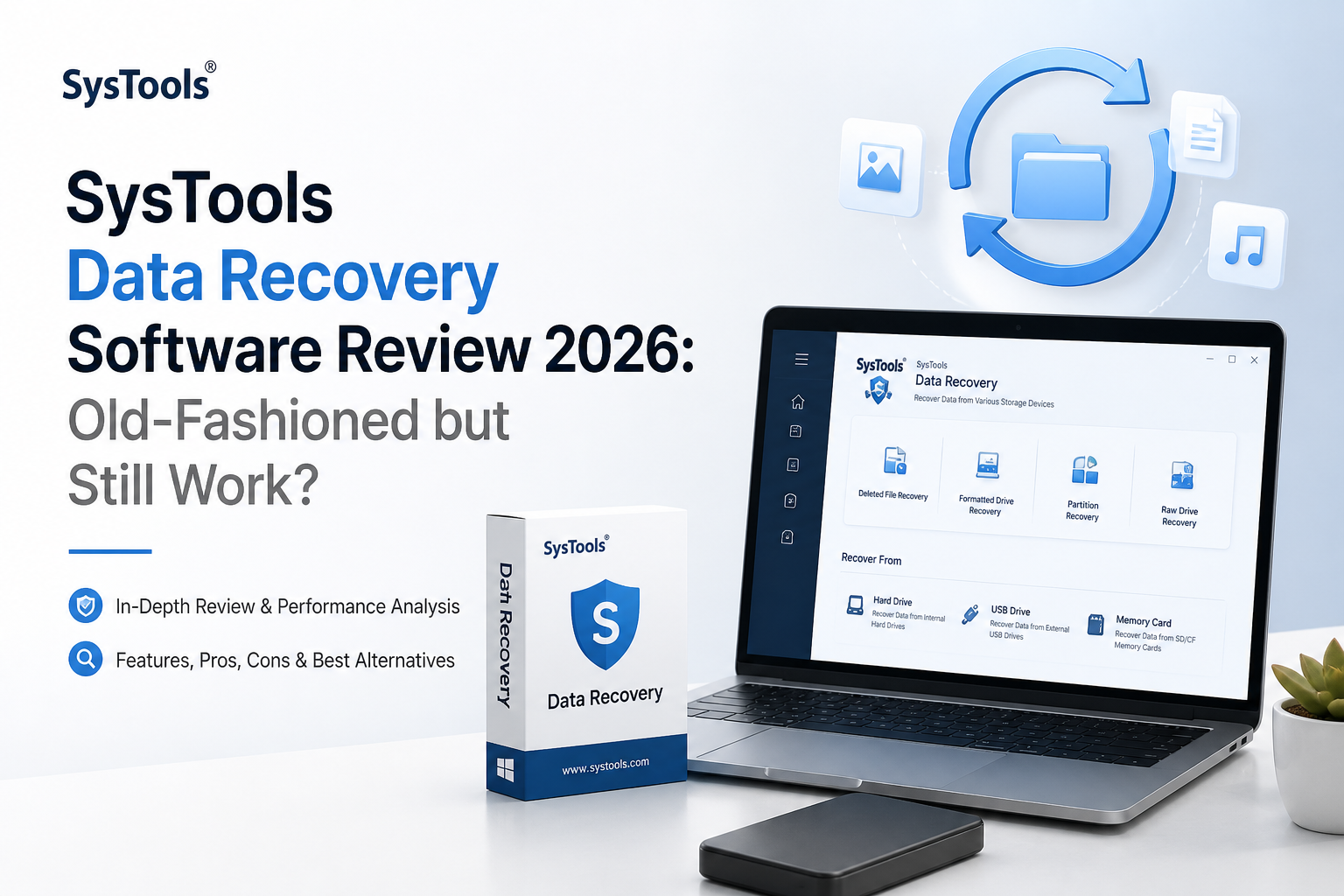
SysTools Data Recovery at a Glance
5.2/10SysTools Data Recovery is a Windows desktop utility for finding deleted, formatted, or inaccessible files on internal plus removable storage. Its free demo scans plus previews files, while saving requires the paid edition.
Best forWindows users attempting a simple recovery from a healthy FAT, exFAT, or NTFS device
- Quick plus deep drive scans
- Deleted, formatted, or RAW volume recovery
- File preview before purchase
- Search plus result filtering
- Windows storage-device support
- Affordable full edition
- Simple basic workflow
- Useful preview-only demo
- No native Mac app
- No prominent disk-imaging module
- Old-fashioned result handling
How We Evaluated SysTools Data Recovery for This 2026 Review
We examined the current Windows demo workflow, official version information, supported file systems, device claims, preview restrictions, listed pricing, plus recovery safeguards. We judged the app on what a home user can verify before payment, not on broad success-rate claims that lack a published test dataset.
For comparison, we checked Disk Drill's current Windows plus macOS feature lists, free allowance, disk-imaging tools, camera-recovery mode, plus September 2026 license pricing. Scores favor safe handling plus transparent recovery information over simply producing a long list of found filenames.
When SysTools Data Recovery Is the Wrong Tool for Your Drive
Avoid scanning a hard drive that clicks, disappears, stalls the computer, or repeatedly reports I/O errors. Software can make a physically unstable drive run longer, giving failing hardware more chances to deteriorate. Disconnect it, then contact a reputable recovery lab if the files are irreplaceable.
SysTools is also a poor fit if you need a native Mac app, a clear byte-to-byte imaging process, RAID reconstruction, NAS recovery, or fragmented camera-video restoration. Disk Drill covers more of those software-recoverable scenarios, though no app can repair damaged heads, motors, or flash memory.
How SysTools Data Recovery Scored Across Our Recovery Criteria
| Category | Performance | Score |
|---|---|---|
| 01 Recovery Capability | 5.7/10 | |
| 02 Recovery Workflow | 5.3/10 | |
| 03 Drive Safety Tools | 3.4/10 | |
| 04 Platform and Format Coverage | 4.8/10 | |
| 05 Cost and Licensing | 6.8/10 |
SysTools Data Recovery Performance, Safety, Coverage, and Cost
01 Recovery Capability
Fine for ordinary deletions, less convincing for messy cases
5.7/10
Recovery Capability
Fine for ordinary deletions, less convincing for messy cases
SysTools includes quick plus deep scanning for deleted, formatted, RAW, or inaccessible Windows storage. The program recognizes hard drives, SSDs, USB sticks, memory cards, plus several virtual-disk formats. Previewing a file before purchase is useful, though seeing a filename or thumbnail does not guarantee that the recovered copy will open correctly.
The concern is depth. The product page lists broad format support, but it gives little practical detail about fragmented-file reconstruction, advanced camera recovery, RAID assembly, or scan-result quality after heavy file-system damage. Disk Drill offers a more complete recovery stack, especially for damaged SD cards plus camera footage saved in fragments.
- Quick plus deep scan modes
- Handles internal or removable Windows storage
- Previews many common file types
- Can filter results by name, date, or type
- No dedicated fragmented-camera-video mode is clearly documented
- Previewable files may still be incomplete
- Few technical details explain how difficult cases are reconstructed
02 Recovery Workflow
Usable, though visually stuck in an older Windows era
5.3/10
Recovery Workflow
Usable, though visually stuck in an older Windows era
The basic sequence is easy enough: choose a disk, scan it, inspect the tree, mark files, then save them elsewhere. That simplicity helps if you only need a recently deleted document from an otherwise healthy NTFS drive.
Once results grow large, the interface feels cramped. Important context such as recovery likelihood, scan grouping, lost-partition findings, plus file condition is not communicated as clearly as it is in Disk Drill. The older layout asks the user to understand more about drive structures before making a safe choice.
- Straightforward scan-to-save sequence
- Familiar folder-tree presentation
- Selective recovery avoids restoring everything
- Dated visual design
- Weak guidance for unfamiliar recovery situations
- Result quality is not explained clearly enough
03 Drive Safety Tools
The weakest part of the package
3.4/10
Drive Safety Tools
The weakest part of the package
A recovery app should do more than find files. It should help keep a questionable source drive from getting worse. SysTools says its scans are read-only, which is good, but its main recovery page does not present a clear byte-to-byte image creation tool comparable to Disk Drill's backup module.
That omission matters with a clicking hard drive, repeated I/O errors, disconnects, or growing bad-sector counts. Repeatedly scanning the original device can add stress. For unstable media, imaging first is usually the less risky software workflow. Physical failure still belongs with a professional lab.
- Read-only scanning is advertised
- Recovered files can be directed to separate storage
- Bad-sector skipping is mentioned
- No prominent byte-to-byte imaging module
- Limited health information during recovery
- Not suitable for physically failing hardware
04 Platform and Format Coverage
Broad claims inside a Windows-only shell
4.8/10
Platform and Format Coverage
Broad claims inside a Windows-only shell
SysTools runs on Windows, with support listed for FAT variants, exFAT, NTFS, ReFS, ext2, ext3, plus HFS+. It can inspect several non-Windows volumes while running on a PC, but there is no native macOS edition. The product page also contains inconsistent compatibility language, mentioning older Windows releases in some places while its specification block emphasizes 64-bit Windows 10 plus 11.
Disk Drill runs on both Windows plus macOS under one personal Pro license. It also documents APFS, HFS family volumes, ext4, BTRFS, RAID, NAS via SSH, plus disk-image scanning more clearly. Anyone moving between a MacBook plus Windows workstation gets far more flexibility from the alternative.
- Covers common FAT, exFAT, plus NTFS volumes
- Lists ReFS plus several Linux or Mac file systems
- Supports physical storage plus some virtual disks
- No native Mac version
- Compatibility details are inconsistent across the product page
- Less clearly documented support for modern storage setups
05 Cost and Licensing
Low entry price is the main reason to consider it
6.8/10
Cost and Licensing
Low entry price is the main reason to consider it
SysTools costs $39 for its Full edition, while the $0 demo scans plus previews recoverable items without saving them. That is much cheaper than Disk Drill Pro at $89 per year or $149 for a lifetime license.
The lower bill comes with a thinner toolkit, however. Disk Drill includes Windows plus macOS access, installation on up to three devices for one user, byte-to-byte backups, recovery-chance indicators, plus Advanced Camera Recovery. SysTools wins on immediate price, not overall capability.
- $39 full version is inexpensive
- Free demo previews scan results
- Lower upfront cost than Disk Drill
- The $0 edition cannot save recovered files
- License scope is less clearly explained
- Low price does not offset the missing safety tools
SysTools Data Recovery vs Disk Drill: Recovery Tools Head to Head
We compared the tools by recovery workflow, source-drive protection, supported systems, camera-media handling, trial limits, plus personal licensing. SysTools keeps the lower purchase price, while Disk Drill covers more difficult cases.
| Metric | SysTools Data Recovery | Disk Drill |
|---|---|---|
| Native desktop platforms | Windows only | Windows plus macOS |
| Byte-to-byte drive imaging | Not clearly included in the main recovery app | Included |
| Fragmented camera video recovery | No dedicated mode documented | Advanced Camera Recovery |
| Recovery-chance rating | Not clearly documented | Shown for found files |
| Free recovery allowance | Preview only | Up to 100 MB on Windows |
| Entry paid price | $39 full edition | $89 per year |
| Lifetime personal option | License terms vary by SysTools product | $149 with future upgrades |
| Overall score | 5.2 / 10 | 8.8 / 10 |
What to Use Instead of SysTools Data Recovery
Choose Disk Drill if you need more than a cheap scan of a healthy Windows disk. Its imaging, camera recovery, cross-platform license, plus clearer result review make it the more useful rescue app.
01 Disk Drill
A clearer, safer toolkit for home recovery
8.8/10
Disk Drill
A clearer, safer toolkit for home recovery
Disk Drill is the better choice for most recoverable drives. It combines deleted-file scanning with byte-to-byte imaging, lost-partition searches, previews, recovery-chance labels, plus a dedicated mode for fragmented footage from cameras or drones.
The Basic edition lets Windows users recover up to 100 MB free, so a few small documents can be restored without paying. Pro costs $89 per year or $149 for a lifetime license covering one user on up to three Windows or Mac devices. It is pricier than SysTools, yet the extra safeguards plus broader feature set are worth more when the missing files matter.
- Native Windows plus macOS editions
- Byte-to-byte backup before recovery
- Advanced Camera Recovery for fragmented video
- Clear previews, filters, plus recovery-chance labels
- One personal license covers up to three devices
- Costs more than SysTools
- 100 MB Windows free limit is small for photo or video jobs
- Purchases have strict refund terms, so preview first

What Users Report About SysTools and Disk Drill
One Trustpilot reviewer said SysTools support solved activation plus setup problems quickly, though the feedback concerned the company more broadly rather than this recovery app alone.
A critical Trustpilot reviewer described a slow password-recovery job plus an unsatisfactory support response. This involved another SysTools recovery product, so it should not be treated as a direct test of the disk utility.
The Reddit poster said Disk Drill recovered photos from an inaccessible RAW SD card after other utilities failed to see it. Advanced Camera Recovery was useful for the poster's fragmented videos.
A commenter in the same thread reported poor Disk Drill support after paying for an unsuccessful recovery. The thread also contains successful recovery reports, so outcomes clearly depend on the device plus file condition.
Should You Buy SysTools Data Recovery in 2026?
SysTools Data Recovery remains usable for a basic Windows deletion, especially if the $39 price is the deciding factor. We would still skip it for damaged media, Mac volumes, fragmented camera footage, or any job where making a byte-to-byte image should come first. Download Disk Drill instead, run its free scan, then confirm that your important files preview correctly before paying.
Stop using the affected drive, connect a separate destination disk, then preview several important files before buying either program.