Disk Drill Free Version Review: What Can You Recover Without Paying?
Disk Drill Basic is useful for finding out whether your files survived. Actual free recovery is modest on Windows, while Mac users usually need Pro to restore unprotected deleted files.
Disk Drill Basic can scan storage, display recoverable files, plus preview many results without payment. Windows users may recover up to 100 MB free. On macOS, ordinary lost-file recovery generally requires Pro, though files previously protected by Disk Drill can be restored free.
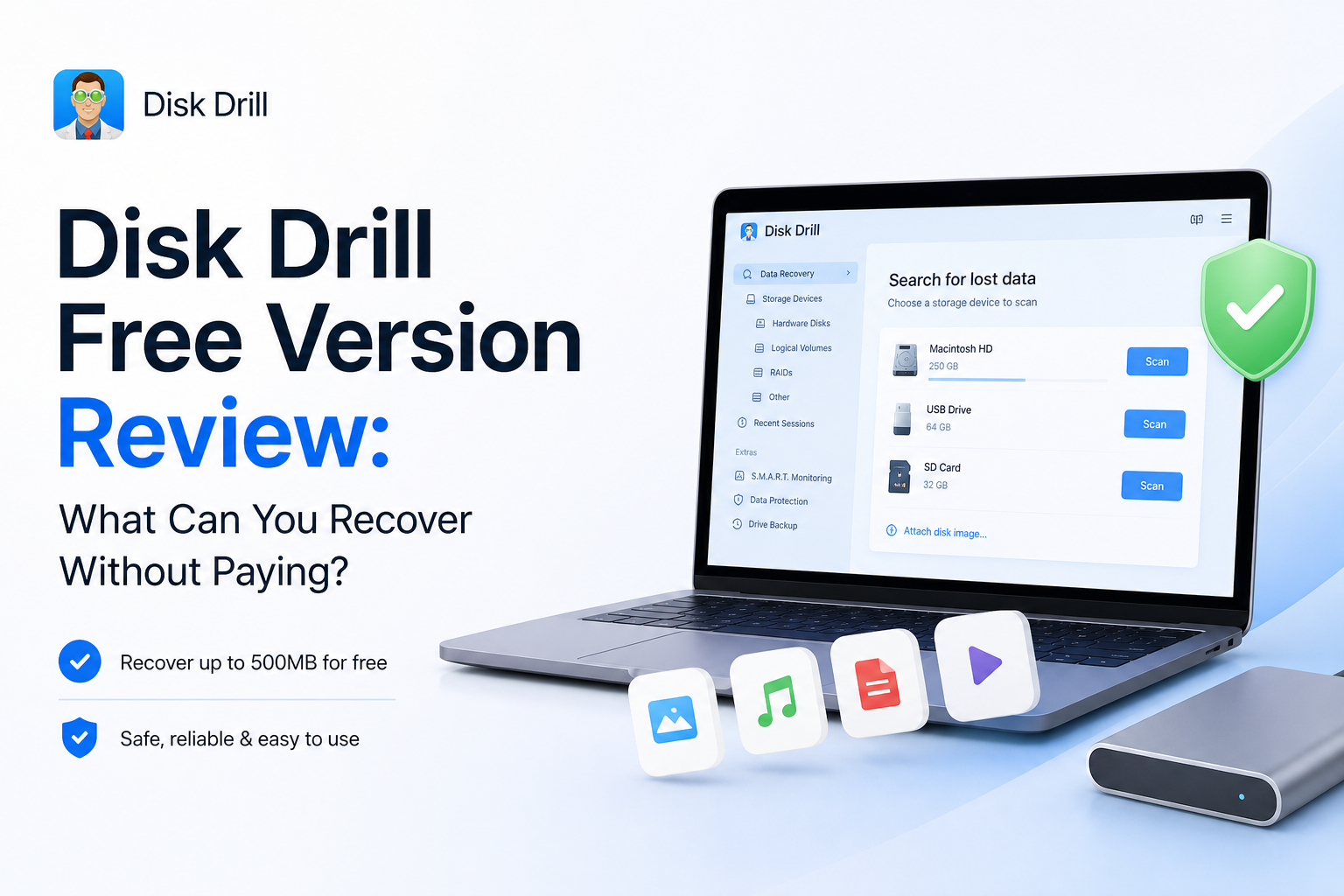
Disk Drill Basic at a Glance
8.3/10Disk Drill Basic is the no-cost edition of a Windows plus macOS data-recovery app. It scans drives, finds lost files, previews many results, plus offers a small Windows recovery allowance.
Best forWindows users testing a small recovery or anyone checking whether lost files still exist before buying software
- Lost-file scans across common storage devices
- File preview before upgrading
- 100 MB of free Windows recovery
- Byte-to-byte disk imaging
- Recovery-chance estimates
- Excellent scan-result browser
- 100 MB recovery on Windows
- Broad device support
- No general free recovery on Mac
- Windows allowance runs out quickly
- PRO purchases are generally non-refundable
Disk Drill Free Version: How We Scored Each Category
| Category | Performance | Score |
|---|---|---|
| 01 Free Recovery Allowance | 6.6/10 | |
| 02 Scanning and File Preview | 9.4/10 | |
| 03 Storage and File Coverage | 9.1/10 | |
| 04 Ease of Use | 9.0/10 | |
| 05 Cost and Licensing | 7.5/10 |
How We Evaluated Disk Drill Basic's Free Recovery Limits
We checked the current Windows plus macOS product pages, the July 22, 2026 Mac release information, official licensing terms, supported-device documentation, plus the stated refund policy. Scores emphasize what a person can do before entering payment details rather than the capabilities unlocked by PRO.
We also compared those rules with recent user reports involving SD cards, USB drives, photos, RAW files, plus camera video. Anecdotal recovery stories were treated as examples, not guaranteed outcomes.
When Disk Drill Basic Is the Wrong Recovery Approach
Do not keep scanning a drive that clicks, grinds, disconnects, becomes extremely slow, or reports an incorrect capacity. Those symptoms suggest hardware trouble. Powering the device repeatedly can reduce the odds of a clean laboratory recovery.
Disk Drill is also a poor fit when the missing data came from a modern SSD after TRIM ran, or when new files have overwritten the deleted sectors. No software can reconstruct bytes that no longer exist.
Disk Drill Free Recovery Features in Detail
01 Free Recovery Allowance
Useful for tiny jobs, not full rescue projects
6.6/10
Free Recovery Allowance
Useful for tiny jobs, not full rescue projects
The phrase “free version” needs some unpacking. On Windows, Disk Drill Basic currently restores up to 100 MB. That could cover a few documents, several compressed photos, or one short video clip. A full camera card or backup drive will burn through that allowance almost immediately.
The Mac edition is more restrictive. It scans plus previews ordinary lost files for free, but restoring those files generally requires Pro. The exception is data tracked beforehand through Disk Drill’s protection features. In practice, Mac Basic works mainly as a recovery test rather than a free undelete tool.
- Windows includes 100 MB of actual recovery
- Scanning does not require payment
- Protected Mac files may qualify for free restoration
- The limit can verify one or two sample files
- 100 MB is too small for most photo or video losses
- Mac users get no general free recovery allowance
- The platform difference is easy to miss

02 Scanning and File Preview
The free edition's best reason to exist
9.4/10
Scanning and File Preview
The free edition's best reason to exist
Disk Drill lets you scan a drive before buying Pro. Results can be narrowed by file type, name, extension, date, size, or recovery status. That matters on a large drive where thousands of old thumbnails plus system files may appear beside the item you actually need.
Preview is the key checkpoint. If a photo opens at full size or a video plays properly, that offers much better evidence than a filename alone. Still, a visible thumbnail is not always the complete file. RAW photos may display an embedded JPEG, while some video formats depend on codecs installed on the computer.
- Unlimited scanning before purchase
- Search plus filters tame large result lists
- Preview works for many common file formats
- Recovery-chance labels help prioritize files
- Scan sessions can be saved for later review
- A thumbnail may represent an embedded preview
- Some videos will not preview without the right codec
- Reconstructed files can lose original names
03 Storage and File Coverage
Broad support with familiar SSD limits
9.1/10
Storage and File Coverage
Broad support with familiar SSD limits
Disk Drill covers the devices most home users bring to a recovery attempt: internal hard drives, USB sticks, SD cards, external drives, disk images, plus many RAID configurations. Its signature scanner recognizes hundreds of file types, including common Office documents, archives, camera RAW formats, MP4, MOV, JPEG, PNG, plus PSD files.
The software cannot defeat overwritten sectors, physical hardware failure, or SSD data already cleared through TRIM. If a drive clicks, disconnects repeatedly, reports the wrong capacity, or vanishes from Disk Management or Disk Utility, continuing a DIY scan may make the situation worse.
- Supports common Windows, Mac, Linux file systems
- Works with SD cards, USB media, disk images, plus hard drives
- Recognizes hundreds of file signatures
- Includes camera-focused recovery modes
- Can create byte-to-byte disk images
- TRIMmed SSD files are normally unrecoverable
- Physically failing drives need professional handling
- Signature recovery may discard folder structure
04 Ease of Use
Approachable during a fairly stressful job
9.0/10
Ease of Use
Approachable during a fairly stressful job
The basic workflow is clear: select a device, start the lost-data search, review the results, then choose a safe destination. Disk Drill does a better job than many technical recovery tools at keeping file-system jargon out of the main path.
There is still room for mistakes outside the app. Installing Disk Drill onto the affected drive can overwrite deleted data. Restoring files back to that same device creates a similar risk. The interface warns about destination choices, but a panicked user can move too quickly.
- Drive list is easy to understand
- Scan progress remains visible
- Results are grouped by practical file categories
- Preview sits inside the recovery workflow
- No command-line knowledge is needed
- Extra utilities make the sidebar feel busy
- Beginners may confuse existing files with deleted results
- Safe recovery still requires a second physical drive
05 Cost and Licensing
The upgrade is substantial for a one-time accident
7.5/10
Cost and Licensing
The upgrade is substantial for a one-time accident
Disk Drill Basic costs $0. The Windows edition includes up to 100 MB of recovery, while the Mac edition mainly provides scanning plus previews for ordinary deleted files. Disk Drill PRO's one-year plan is listed at $89 per year, covering one user on as many as three devices across Windows plus macOS.
The annual subscription renews automatically unless canceled. CleverFiles also offers a lifetime license, though its live checkout price was not consistently exposed during this review, so it is omitted here. Purchases are generally non-refundable after delivery except where consumer law requires otherwise. Preview important files before paying.
- Basic scans plus previews at no cost
- One PRO license covers both desktop platforms
- License supports up to three devices
- PRO removes the recovery-volume limit
- $89 is steep for one small recovery job
- Annual billing renews automatically
- The standard refund policy is restrictive
What Disk Drill Users Reported
After an SD card became inaccessible, the poster said Disk Drill found the photos plus recovered a 9 GB test set from a formatted USB drive. They felt the free 100 MB was useful for testing, though too small for a full photo batch.
A wedding photographer reported previewing a small recovered clip first, then buying the license after the sample played correctly. They said the ceremony, speeches, plus first-dance footage were restored.
One user said the scan appeared promising before purchase, but the recovered client files did not work. They were also unhappy with the support response plus refund outcome.
A Mac user initially questioned the paid upgrade, then updated the thread to say their SD-card photos were restored at original quality.
Should You Use Disk Drill Basic?
Disk Drill Basic is worth downloading if you need to learn whether deleted files are still readable. Windows users with less than 100 MB to restore may finish the entire job free. Mac users, photographers with large cards, plus anyone recovering video should expect Basic to be a preview stage before a paid upgrade.
Skip DIY software if the drive makes unusual noises, drops offline, or holds irreplaceable work with no backup. Those cases justify a professional diagnosis rather than another scan.
Stop using the affected device, scan it from another computer or boot drive, preview several important files, then recover onto a different physical disk.