Remo Recover Review 2026: Pros, Cons and Alternatives
Remo Recover can retrieve deleted files, yet its dated workflow, narrow licensing, plus steep lifetime price make it tough to recommend. Disk Drill is the more complete choice.
Remo Recover works for basic deleted-file recovery, with a Windows free edition that can save up to 1 GB. Still, its $199.97 lifetime license covers one PC, while Disk Drill costs $149 for a lifetime license covering Windows, macOS, plus three activations.
Do not scan a clicking, disconnecting, or severely damaged drive directly because repeated reads may make a physical failure worse.
Remo Recover at a Glance
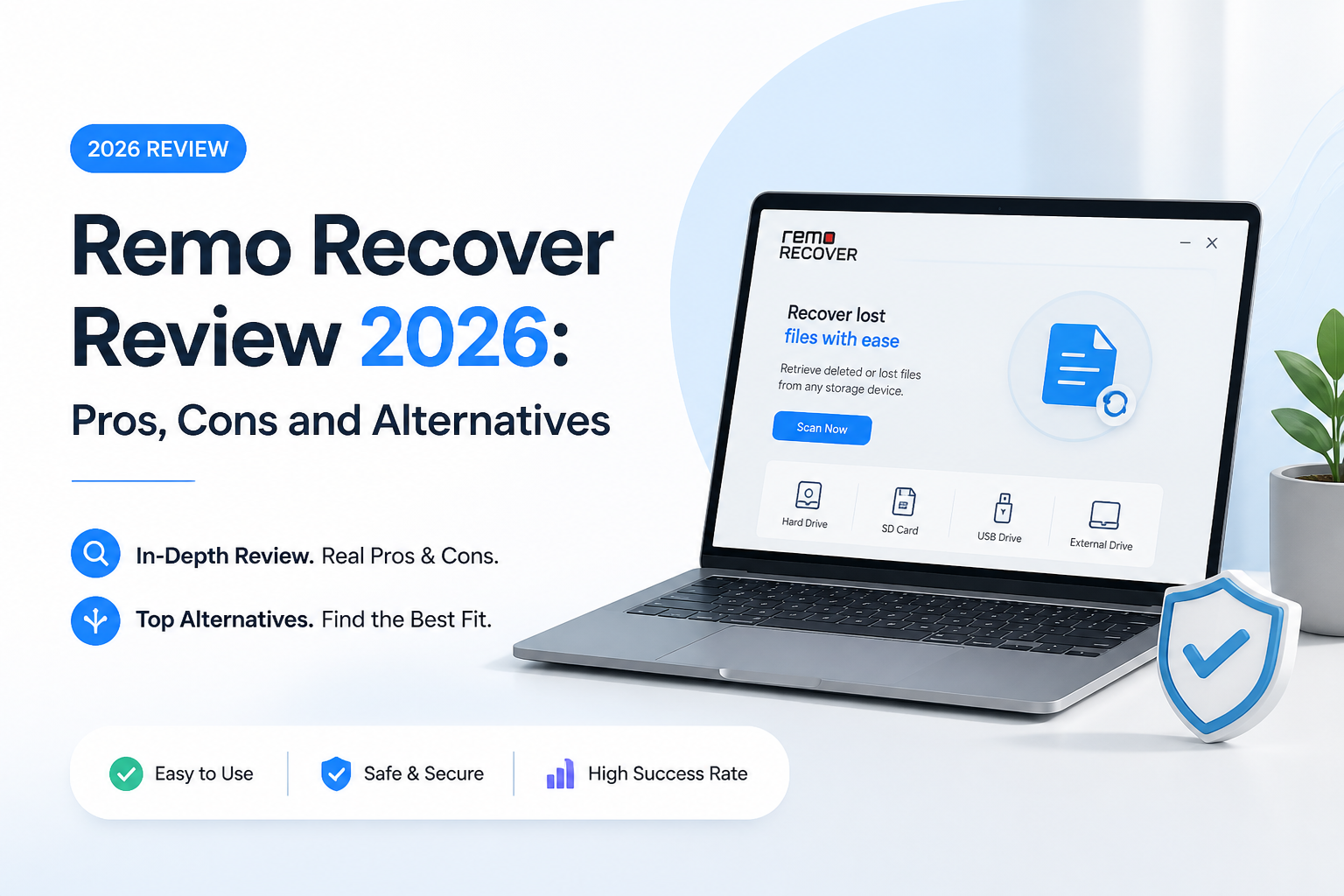
5.8/10Remo Recover is a Windows plus macOS desktop utility for restoring deleted, formatted, or inaccessible files. It scans hard drives, SSDs, USB media, plus memory cards.
Best forWindows users who need less than 1 GB from a healthy USB drive or memory card
- Quick Scan plus sector-level Deep Scan
- Preview during active scans
- Saved recovery sessions
- Custom file-signature creation
- Search plus metadata filters
- Generous 1 GB Windows free limit
- Files appear before scanning finishes
- Useful custom signature option
- Weak drive-imaging workflow
- One-PC paid licenses
- Costly $199.97 lifetime tier
How Remo Recover Scored Across Our Data Recovery Criteria
| Category | Performance | Score |
|---|---|---|
| 01 Recovery Results | 6.3/10 | |
| 02 Scan Workflow | 6.8/10 | |
| 03 Drive Safety Tools | 4.2/10 | |
| 04 File Sorting | 7.1/10 | |
| 05 Cost and Licensing | 4.5/10 |
How We Evaluated Remo Recover for Common Data Loss Cases
We judged Remo Recover around the jobs a home user is likely to face: recently deleted files, a formatted removable drive, mixed photo-document results, plus a long Deep Scan. We also checked whether previews were useful before payment, whether sessions could be resumed, plus how clearly the app kept recovered files away from the source disk.
Scores also reflect September 2026 license terms from the official Remo Software pages. We compared those terms with Disk Drill's official annual plus lifetime plans, device coverage, free recovery limits, imaging features, plus camera-media tools.
When Remo Recover Is the Wrong Tool for Your Drive
Skip any DIY recovery app if a hard drive clicks, disappears repeatedly, spins down, smells burned, or suffered liquid or impact damage. Power it off. A professional lab has hardware imagers plus clean-room tools that consumer software cannot replace.
Remo Recover is also a weak purchase for a mixed Windows-Mac household or a photographer recovering fragmented camera video. Disk Drill's single cross-platform license, byte-to-byte imaging, plus Advanced Camera Recovery fit those situations better.
Remo Recover Recovery Features, Pricing, and Limitations
01 Recovery Results
Reasonable for ordinary deletions, less convincing for difficult media
6.3/10
Recovery Results
Reasonable for ordinary deletions, less convincing for difficult media
Remo Recover found the sorts of files expected from a routine deleted-file scan, including photos, office documents, archives, plus common video formats. Its Deep Scan can search by file signature when normal file-system records are missing.
The trouble starts with more complicated cases. The program lacks a clearly separated camera-reconstruction mode comparable to Disk Drill's Advanced Camera Recovery. A scan may find MP4 or MOV fragments without producing a complete, playable recording. No recovery app can guarantee damaged files, but Remo gives the user fewer specialized options for handling them.
- Quick Scan for recently deleted files
- Deep Scan based on file signatures
- Support for roughly 500 file formats
- Scans internal disks, USB drives, plus memory cards
- No dedicated fragmented-camera-video workflow
- Found files may lose original names or folders
- SSD recovery remains limited after TRIM
02 Scan Workflow
Simple controls with a few rough edges
6.8/10
Scan Workflow
Simple controls with a few rough edges
The basic process is easy enough: choose a drive, start scanning, preview results, then save files elsewhere. Dynamic Recovery View lets you inspect results before a long scan finishes. Saved recovery sessions also prevent a complete rescan later.
Remo's interface is understandable, though it does not expose as much useful context as Disk Drill. Drive imaging, recovery-chance estimates, plus specialized scan choices are either less prominent or missing. That matters when the storage device is unstable or the result list contains thousands of nearly identical files.
- Results appear while the scan continues
- Recovery sessions can be reopened
- Straightforward three-step flow
- Common files can be previewed before saving
- Limited guidance for choosing a scan method
- Less drive-level context than Disk Drill
- Result review gets tedious on large disks
03 Drive Safety Tools
The largest gap in the package
4.2/10
Drive Safety Tools
The largest gap in the package
A good recovery workflow starts by reducing reads from questionable media. Remo says its scanner operates in read-only mode, which is useful, yet the app does not place a robust byte-to-byte imaging tool at the center of its workflow.
Disk Drill can create a sector-level image for free, then scan that image instead of repeatedly stressing the source. Its imaging module can adjust read blocks around damaged areas. That is a meaningful advantage for a drive that slows down, reports bad sectors, or drops offline.
- Read-only scanning approach
- Supports saved scan sessions
- Recovered files must be sent to another location
- No equally visible multi-pass imaging workflow
- Weak fit for physically unstable storage
- No software can safely fix mechanical failure
04 File Sorting
The best part of Remo Recover
7.1/10
File Sorting
The best part of Remo Recover
Remo makes large result sets manageable through file-type groups, search, metadata filters, plus preferred-location recovery. Preview support helps verify a photo or document before using paid recovery capacity.
The custom signature feature is unusually handy. You can provide a sample of an unsupported format so Remo can identify similar binary signatures. This does not rebuild missing file-system metadata, though it can uncover niche file types that a standard signature library overlooks.
- Search plus file-type filters
- Preview before final recovery
- Custom file-signature support
- Preferred-location recovery narrows the results
- Signature results may have generic filenames
- Preview does not guarantee every byte is intact
05 Cost and Licensing
Expensive once you compare device coverage
4.5/10
Cost and Licensing
Expensive once you compare device coverage
Remo Recover for Windows offers a free edition with up to 1 GB of saved recovery. Paid choices are $69.97 for one month, $79.97 for six months, or $199.97 for a lifetime license. Each listed plan covers one PC.
The monthly option is easier to justify for a single emergency. The lifetime tier is poor value beside Disk Drill's $149 lifetime license, which includes future upgrades, Windows plus macOS use, with activation on up to three devices.
- Windows free edition saves up to 1 GB
- Monthly plan suits one short recovery job
- 30-day money-back guarantee is advertised
- $199.97 lifetime price is high
- Listed licenses cover one PC
- Six-month plan renews automatically
Remo Recover vs Disk Drill: Recovery Software Head to Head
We compared both desktop apps using the same recovery priorities: preview access, difficult media support, imaging tools, platform coverage, plus license terms. Disk Drill offers the broader toolkit, though Remo has the larger Windows free recovery allowance.
| Metric | Remo Recover | Disk Drill |
|---|---|---|
| Free Recovery on Windows | Up to 1 GB | Up to 100 MB |
| Byte-to-Byte Disk Imaging | Not a central recovery module | Free multi-pass imaging tool |
| Fragmented Camera Video Recovery | Standard signature scanning | Dedicated Advanced Camera Recovery |
| Desktop Platform Coverage | Separate Windows or Mac product | One license covers both |
| Personal Device Activations | One PC per listed plan | Up to three devices |
| Lifetime License | $199.97 | $149 |
| Preview Before Purchase | Included | Included |
| Overall Score | 5.8 / 10 | 8.8 / 10 |
Use Disk Drill Instead of Remo Recover
Disk Drill gives home users more ways to protect the source drive, inspect recoverability, plus handle difficult camera media before committing to a full recovery.
01 Disk Drill
A safer, better-equipped alternative for home recovery
8.8/10
Disk Drill
A safer, better-equipped alternative for home recovery
Disk Drill is our preferred Remo Recover alternative because it combines ordinary deleted-file scans with free byte-to-byte disk imaging, lost-partition search, recovery-chance labels, plus Advanced Camera Recovery for fragmented footage.
The free Windows allowance is only 100 MB, so Remo wins that narrow comparison. Disk Drill makes the better paid purchase, though. Its $149 lifetime license supports up to three devices, covers Windows plus macOS, with future upgrades included.
- Free byte-to-byte disk image creation
- Dedicated fragmented video recovery
- One license for Windows plus macOS
- Up to three device activations
- Clear previews plus recovery-chance estimates
- Windows free recovery stops at 100 MB
- Paid licenses are generally non-refundable
- Advanced camera mode is meant for original recording media

What Remo Recover Users Reported Online
Robert said Remo recovered files from an accidentally erased SD card, then later restored files from two drives that Windows wanted to format.
Jascha reported successful recovery from an old formatted hard drive, though the process was slow. Support was described positively.
A Reddit user tried Remo Recover on a damaged SD card, yet it did not recover the missing partition. The post lacked enough diagnostic detail to identify the exact reason.
One user recovered most of a 6 TB external drive, though a portion of the restored files would not open afterward.
Should You Buy Remo Recover in 2026?
Remo Recover is not our recommended paid recovery app. Its 1 GB Windows free edition is useful for a small deletion, while its filters plus custom signatures have real value. The one-PC licensing, $199.97 lifetime price, plus limited emphasis on safe disk imaging leave it behind Disk Drill.
Download Disk Drill first if you need to image a questionable drive, reconstruct camera footage, or use one license across Windows plus macOS.
Stop using the affected storage immediately, create a byte-to-byte image on another healthy drive, then scan the image instead of the original media.