Recover Data from External Hard Drive with Disk Drill: Review 2026
Disk Drill makes a stressful external-drive recovery job easier to understand. Its previews, file filters, byte-to-byte backup tool, plus clear recovery workflow are the main reasons it earns our recommendation.
Disk Drill is one of the easiest recovery apps to use with an external hard drive. It can scan deleted files, formatted volumes, lost partitions, plus RAW drives that still appear in Windows Disk Management or macOS Disk Utility. Run the free scan first, preview several important files, then pay only if the results look usable.
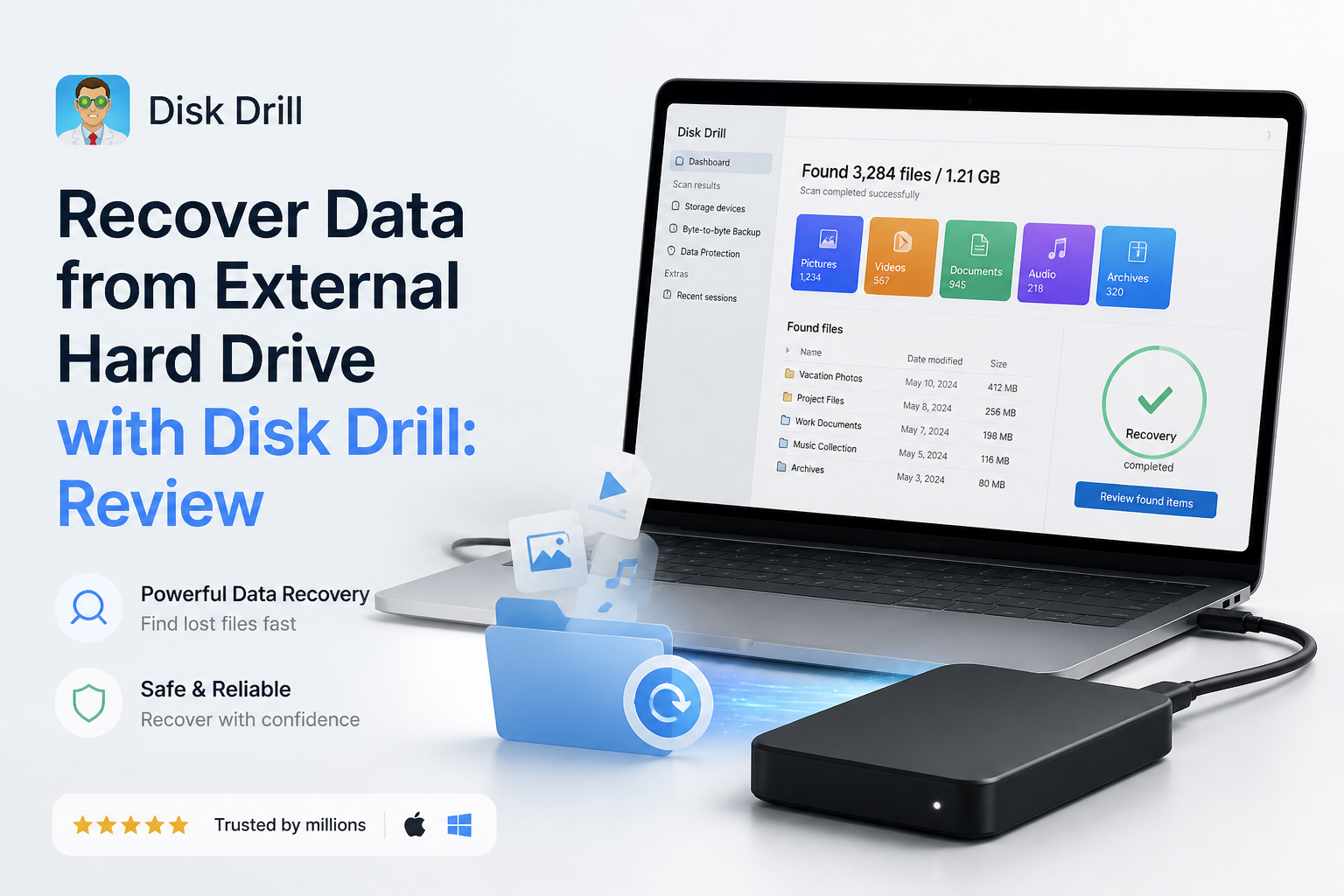
Disk Drill at a Glance
9.0/10Disk Drill is a Windows plus macOS data recovery app from CleverFiles. It scans external HDDs, USB drives, memory cards, disk images, plus other storage for deleted or inaccessible files.
Best forHome users, photographers, plus small IT teams recovering files from a readable external HDD
- Quick plus deep recovery scans
- Lost-partition detection
- File previews before purchase
- Byte-to-byte disk imaging
- Recovery-chance estimates
- Easy scan workflow
- Strong preview tools
- Broad file-system support
- Full recovery usually requires payment
- Large HDD scans may be slow
- Not suitable for physical drive failure
Disk Drill for External Hard Drives: How We Scored It
| Category | Performance | Score |
|---|---|---|
| 01 External Drive Recovery | 9.4/10 | |
| 02 Recovery Workflow | 9.2/10 | |
| 03 Drive Safety Tools | 9.1/10 | |
| 04 Scan Results Management | 8.8/10 | |
| 05 Cost & Licensing | 8.4/10 |
How Disk Drill Was Assessed for External Hard Drive Recovery
We assessed the complete external-drive workflow rather than judging the app by how many filenames appeared. The review covered drive detection, deleted-file scans, formatted-volume handling, folder reconstruction, previews, result filters, recovery-destination safeguards, byte-to-byte imaging, licensing, plus published recovery checks on Windows 11 hardware.
Scores place extra weight on whether a regular user can verify files before paying. Recovery speed varies heavily by USB interface, disk capacity, bad sectors, file-system condition, plus the drive's physical health, so a single scan time would be misleading.
When Not to Scan an External Hard Drive With Disk Drill
Do not keep scanning an external HDD that clicks, scrapes, repeatedly spins up, disappears from the operating system, or reports the wrong capacity. Those signs point toward hardware trouble. Software recovery can force a weak drive to read every sector, which may turn a partly readable disk into a dead one.
Also pause before scanning an encrypted drive if the password, recovery key, or original system credentials are missing. Disk Drill may locate encrypted data, but it cannot bypass properly implemented encryption. Preserve the drive, gather the keys, then decide whether software recovery is appropriate.
Disk Drill External Hard Drive Recovery Features in Detail
01 External Drive Recovery
Strong coverage for common logical data-loss cases
9.4/10
External Drive Recovery
Strong coverage for common logical data-loss cases
Disk Drill is well suited to external HDDs that were accidentally formatted, had files deleted, lost a partition, or suddenly appeared as RAW. It supports common external-drive file systems such as NTFS, exFAT, FAT32, HFS+, plus APFS, so it works across most Windows or Mac storage setups.
The useful part is not simply finding thousands of entries. Disk Drill can retain original folder paths when enough file-system metadata survives. If that metadata is gone, its signature scan reconstructs recognizable files by format. Reconstructed files may lose their original names, which is normal for this type of recovery.
Recovery software cannot repair a clicking motor, damaged heads, or a drive that repeatedly disconnects. Those symptoms call for a professional lab, not another scan.
- Scans NTFS, exFAT, FAT32, HFS+, APFS, plus RAW volumes
- Can locate deleted files or lost partitions
- Recognizes hundreds of file signatures
- Works with USB hard drives from major storage brands
- Shows recoverability estimates for discovered files
- Reconstructed files may have generic names
- No software can solve physical drive damage
- Large multi-terabyte scans can take many hours

02 Recovery Workflow
A sensible layout for a high-stress job
9.2/10
Recovery Workflow
A sensible layout for a high-stress job
The basic process is hard to mess up: select the external disk, choose Search for lost data, inspect the results, pick a separate destination, then recover. Found files appear while scanning continues, so you can begin checking urgent folders without waiting for the whole drive.
Photo thumbnails, document previews, date filters, file-size filters, plus folder views reduce the usual wall of confusing results. The interface also warns against restoring files onto the source disk. That small guardrail matters because writing new data to the damaged volume can overwrite recoverable material.
- Straightforward scan, preview, recover sequence
- Results can be reviewed during a scan
- Filters narrow large result sets quickly
- Recovery destination warning helps prevent overwriting
- The number of result categories can confuse first-time users
- Deep scans still require patience on large HDDs
03 Drive Safety Tools
Byte-to-byte imaging is the feature worth learning first
9.1/10
Drive Safety Tools
Byte-to-byte imaging is the feature worth learning first
Disk Drill includes a byte-to-byte backup tool that copies readable sectors into an image file. You can scan that image instead of repeatedly stressing the original external drive. This is a better approach when the disk is slow, reports bad sectors, or has recently started behaving oddly.
The copy needs destination storage at least as large as the source device. A 2 TB external hard drive may require roughly 2 TB of available space even if only part of the disk contains files. Imaging is not a cure for physical failure, though. Stop if the drive clicks, vanishes, spins down, or becomes unusually hot.
- Creates a sector-level image before recovery
- Lets users scan an image instead of the original disk
- Includes S.M.A.R.T. monitoring for supported drives
- Non-destructive scanning avoids intentional writes to the source
- Disk images require substantial free space
- A struggling drive may still fail during imaging
- S.M.A.R.T. status does not predict every failure
04 Scan Results Management
Good previews with a few unavoidable gaps
8.8/10
Scan Results Management
Good previews with a few unavoidable gaps
Disk Drill groups results into pictures, video, audio, documents, archives, plus other files. Search, extension filters, modification dates, sizes, recovery chances, plus tree views make a big scan more manageable.
A successful preview is the best practical clue that a file can be recovered intact. Check several large photos, videos, spreadsheets, plus documents rather than trusting filenames alone. A filename can survive even when the file content has already been overwritten.
- Preview works before a paid recovery
- Filters cover file type, date, size, plus recovery chance
- Folder-tree view can preserve useful context
- Scanning may continue while results are inspected
- Some specialized formats cannot be previewed
- A listed filename does not guarantee intact content
- Signature-based results may need manual sorting
05 Cost & Licensing
Useful free diagnosis with paid full recovery
8.4/10
Cost & Licensing
Useful free diagnosis with paid full recovery
Disk Drill Basic costs $0. It lets you scan an external hard drive, inspect found files, plus preview supported formats before buying. Windows users can recover up to 100 MB free. The Mac edition is mainly a scan-plus-preview trial for ordinary deleted-file recovery.
Disk Drill PRO costs $89 per year, while the $149 lifetime license includes ongoing updates. One license covers Windows plus macOS with up to three activations. The annual plan is easier to justify for a single emergency, while the lifetime option makes more sense for photographers, technicians, or households managing several drives.
- Free edition can scan plus preview before purchase
- One license covers Windows plus macOS
- Up to three activations included
- Lifetime option includes future updates
- 100 MB on Windows is too little for most photo or video recoveries
- Mac users generally need PRO to restore files
- Annual pricing feels steep for one missing folder
What Disk Drill Users Report About Real Recoveries
The poster says Disk Drill recovered family photos from an inaccessible card in roughly 10 minutes after other tools failed to see or properly reconstruct the data.
A user reports recovering data from a SanDisk external HDD onto a new 5 TB drive. They liked the clean interface plus fast email support, though they noted the $89 annual cost.
One critical user says Disk Drill found folders on an external drive, but the recovered contents were not viewable. Their experience is a reminder to preview several important files before buying.
A reviewer said the software quickly recovered photos that had disappeared after a memory-card problem, including some older images.
Should You Use Disk Drill for an External Hard Drive?
Disk Drill is an easy recommendation for logical external-drive recovery, especially when the disk still appears in Windows or macOS. It fits people who want previews, readable filters, lost-partition scanning, plus a safer image-first workflow without learning a technical recovery suite.
Skip it if the drive clicks, repeatedly disconnects, or is no longer detected by the computer. In that situation, unplug the disk, then speak with a recovery lab before additional power cycles make the damage worse.
Create a byte-to-byte image first if the external HDD shows bad sectors or unstable read speeds, then recover files from that image onto a different healthy drive.